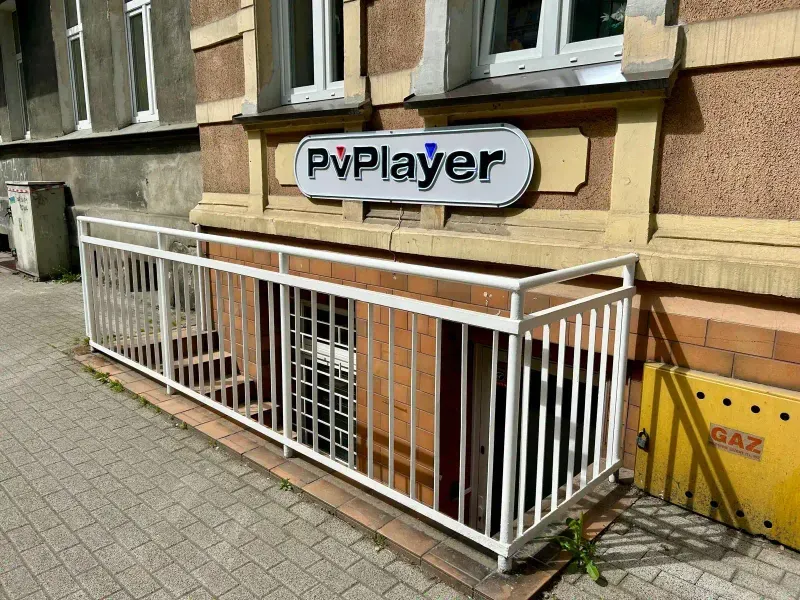
How to Book a Gaming Station Online
Want to play at a gaming cafe but not sure how to book a station? At PvPlayer, the entire process takes a few minutes and happens completely online — no calling, no waiting, and no need to leave your house (well, until it is time to come and play). In this guide, we will walk you through the entire booking process step by step.
Why book online?
Before we get to the instructions, it is worth knowing why online booking is the best option:
Guaranteed spot. By booking in advance, you are sure that a station is waiting for you. On weekends and evenings, gaming cafes can be full — booking eliminates the risk of showing up to find no available spots.
Automatic access code. After making a reservation, you receive a 4-digit door code. You do not need to wait for anyone — you enter independently when your time comes.
Payment in advance. You pay online, so on site you do not need to search for cash or worry about payment. You sit down and play.
Flexibility. You can book a station from your phone, tablet, or computer — whenever and wherever you want.
Step 1: Go to the booking page
The first step is to visit pvplayer.com/booking. This is where the entire process begins. The page is mobile-friendly, so you can use it just as easily on your phone as on a computer.
Step 2: Choose a location
PvPlayer has two locations in central Poznan:
- Wierzbiecice 39 — the flagship location, full set of stations with RTX 4070 Super
- Staszica 5 — the second location with an equally high equipment standard
Choose whichever is more convenient for you. Both are easily accessible by public transport and located in the strict city center.
Step 3: Select date and time
After choosing a location, you will see a calendar with available time slots. Select:
- Date — the day you want to play
- Start time — when you want to begin your session
- Duration — how many hours you want to play
The system shows availability in real time, so you can immediately see which slots are open. If you are planning a group session, make sure you book enough stations for the same time.
Tip: If you are planning a visit with a larger group (e.g., 4-6 people), book a few days in advance, especially for weekends. Friday and Saturday evenings are the most popular time slots.
Step 4: Enter your details
At this stage, you provide basic information:
- Name — needed to identify the reservation
- Email address — you will receive confirmation with your access code at this address
- Phone number — in case we need to contact you
Your data is processed in accordance with our privacy policy. We do not send spam — the only emails you receive concern your reservation.
Step 5: Pay online
The final step is payment. PvPlayer uses the TPay payment system, which supports:
- Online bank transfers — all Polish banks
- BLIK — fast payment with a single code
- Credit/debit cards — Visa, Mastercard
The price per hour is 11.20 PLN. You pay for the entire booked time upfront. Once payment is confirmed, your reservation is locked in.
What happens after booking?
After a successful payment, you receive a confirmation email. In the email, you will find:
- Reservation confirmation — date, time, location
- Door access code — a 4-digit code that lets you enter the premises
The access code starts working 30 minutes before your session begins and remains active until the session ends. So you can arrive a bit early, settle in at your station, and be ready to go.
How to enter the venue?
PvPlayer operates on a self-service model. This means there is no reception or staff on site — you enter independently using your code.
- Approach the front door
- Enter the 4-digit code on the electronic lock
- The door opens — walk inside
- Find your station and start playing
It is simple and fast. You do not need to wait for anyone, you do not need to explain anything. The code works, the door opens, you play.
What if I need to cancel?
We understand that plans change. If you need to cancel a reservation, contact us as early as possible. Details about the cancellation policy can be found on the booking page.
Tip: The earlier you notify us about a cancellation, the easier it is for us to refund your payment or move your reservation to a different time.
Can I come without a reservation?
Yes — PvPlayer also accepts walk-in guests, meaning visitors without a prior reservation. However, station availability depends on current occupancy. On weekends and evenings, the chance of finding an open station without a reservation is lower.
Our recommendation? Book online. It takes 3 minutes, and you have a guarantee that a station is waiting for you.
Group booking
Planning a session with a larger group? Here are a few tips:
Book stations for the same time. Each person can book separately, but make sure you all select the same time slot and location.
Choose your games in advance. Before you arrive, decide what you will be playing. You will save time on discussions and jump straight into the action.
Arrive 5-10 minutes early. The access code works from 30 minutes before the session, so you can come a bit early, set up, and be ready to start.
First visit? Get a free hour for a review
If you visit PvPlayer, write a review on Google Maps and send a screenshot to kontakt@pvplayer.com. You will receive 1 free hour within 24h. It is a great way to test our equipment and atmosphere.
Summary: booking in 5 steps
- Go to pvplayer.com/booking
- Choose a location (Wierzbiecice 39 or Staszica 5)
- Select date, time, and duration
- Enter your contact details
- Pay online (TPay, BLIK, card)
Done — you get an email with an access code and you come to play. The entire process takes less than 5 minutes.
Do not wait — book a station now and see why PvPlayer is the best gaming cafe in Poznan.